
- Why LCM Digital & Procore
- How to start with LCM Digital App in Procore
- LCM Digital features for collaborative process planning
- Procore Integration in LCM Digital
further links:

Why LCM Digital & Procore
Classic Gantt plans are reaching their limits in modern projects. They are not readable for all participants and the widespread version chaos makes proactive planning and stable execution impossible.
But the success of a project is already decided in the early planning stage: The more comprehensible process plans are created and presented, the more specifically processes can be executed, and workflows adapted.
The future of project management therefore belongs to collaborative process planning with LCM Digital.
- project plans are presented in an intuitive, easy-to-filter overview and
- can be coordinated, maintained and adjusted in real time in one place
- based on mobile app feedback from the executors
This keeps the progress transparent, all project participants work in the same synchronized plan, and disruptions in the process are a thing of the past.
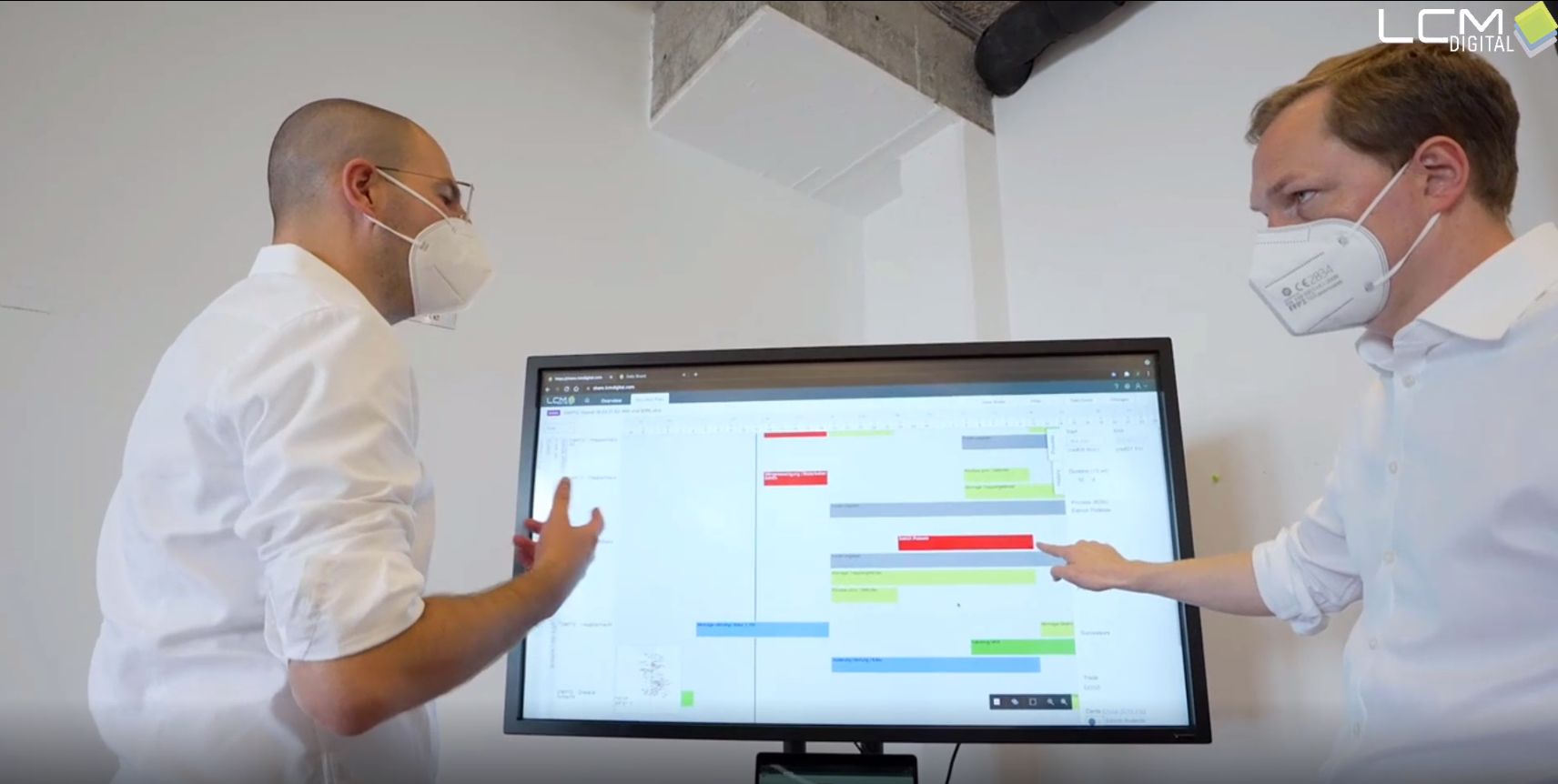
Everyone always knows what needs to be done, where and when!

How to start with LCM Digital App in Procore
First, add the LCM Digital app from the Marketplace. Open the schedule in your project as Gantt. To get this schedule now in a well-structured view, open the LCM Digital App.
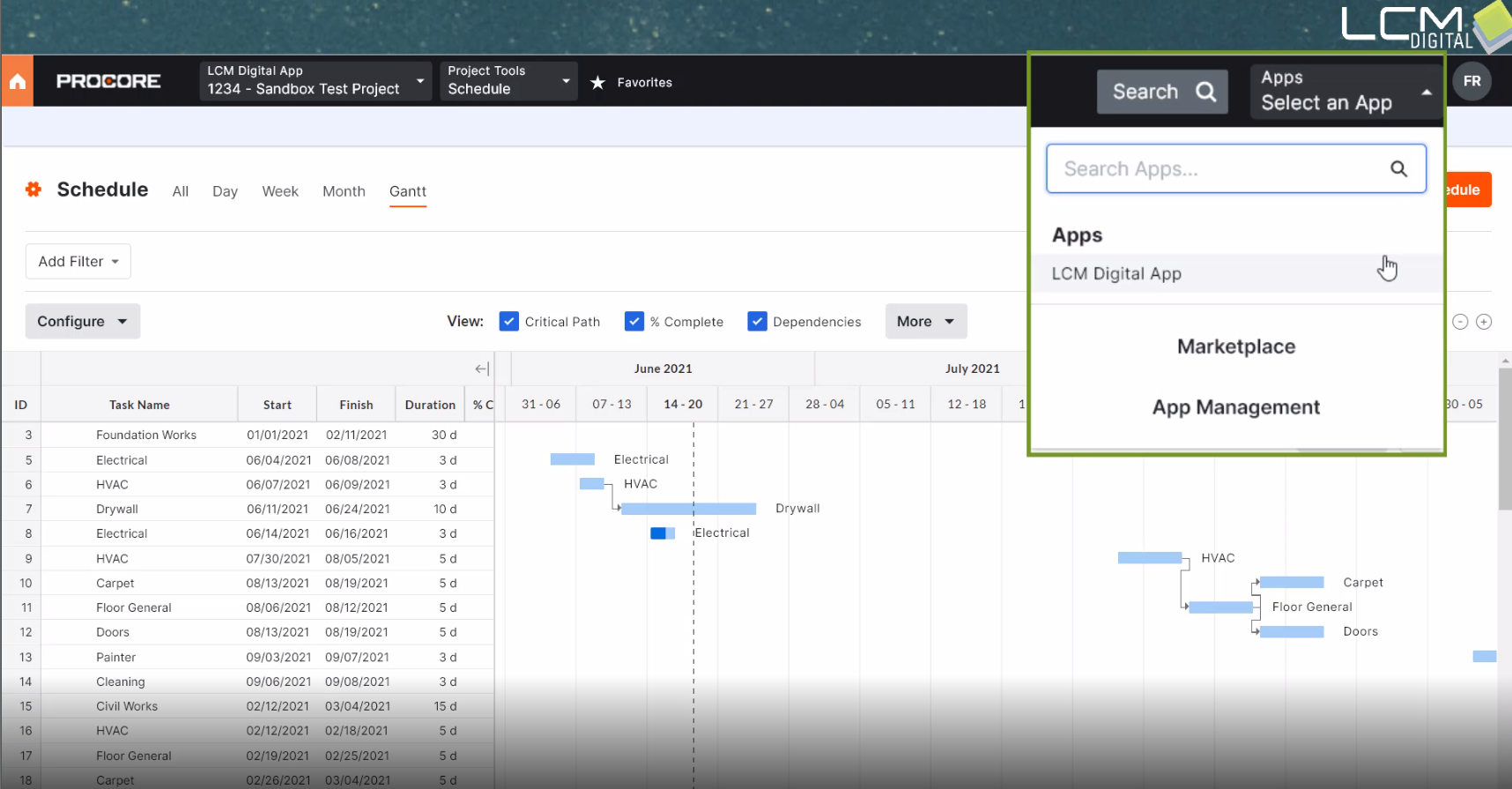
Your processes are immediately displayed in hierarchically arranged areas. With the filters you put even more focus on individual processes.
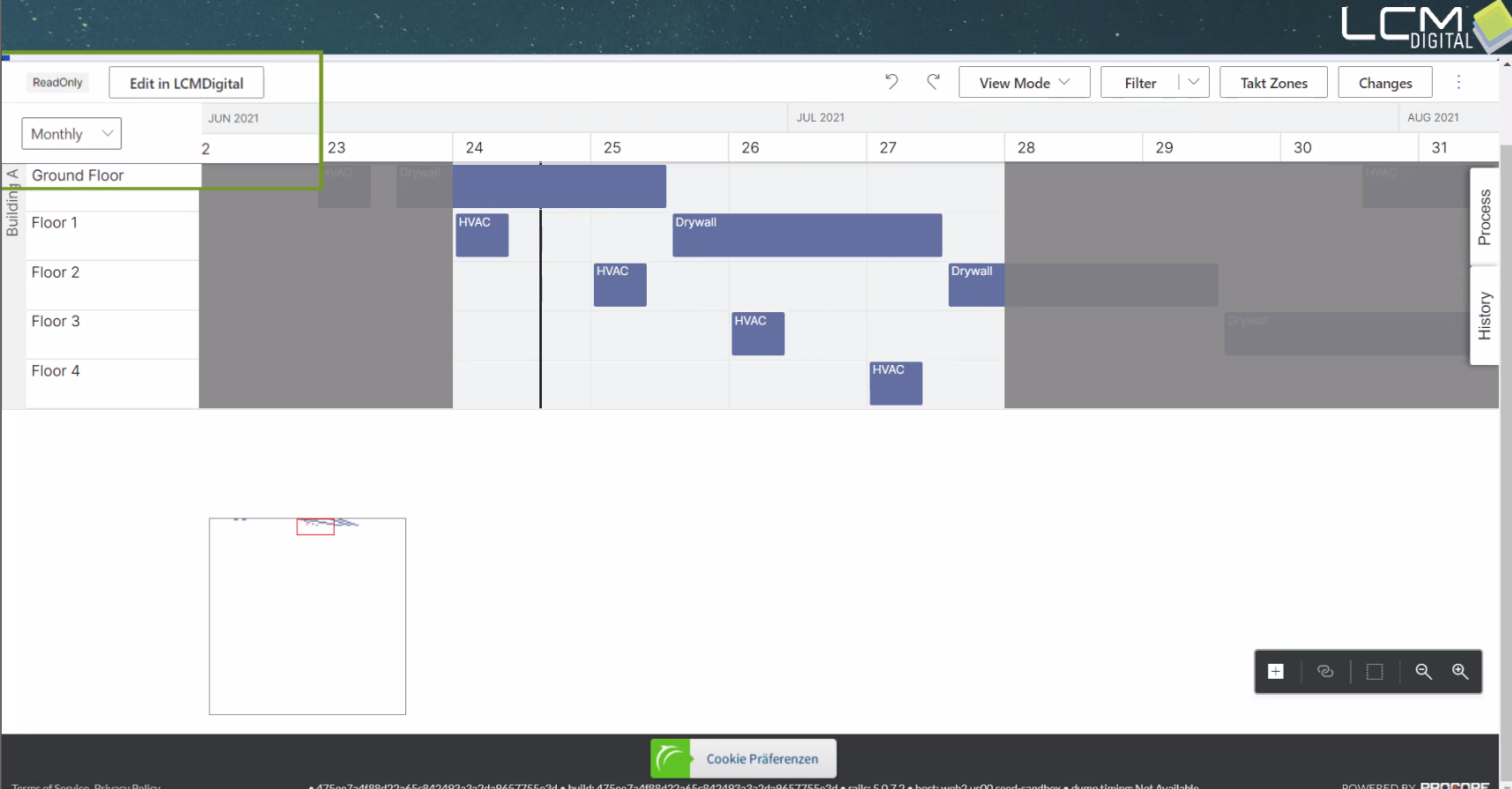
Switch to edit mode and experience real-time collaborative management of your schedule based on daily activities that your team feeds back themselves.
LCM Digital features for collaborative process planning
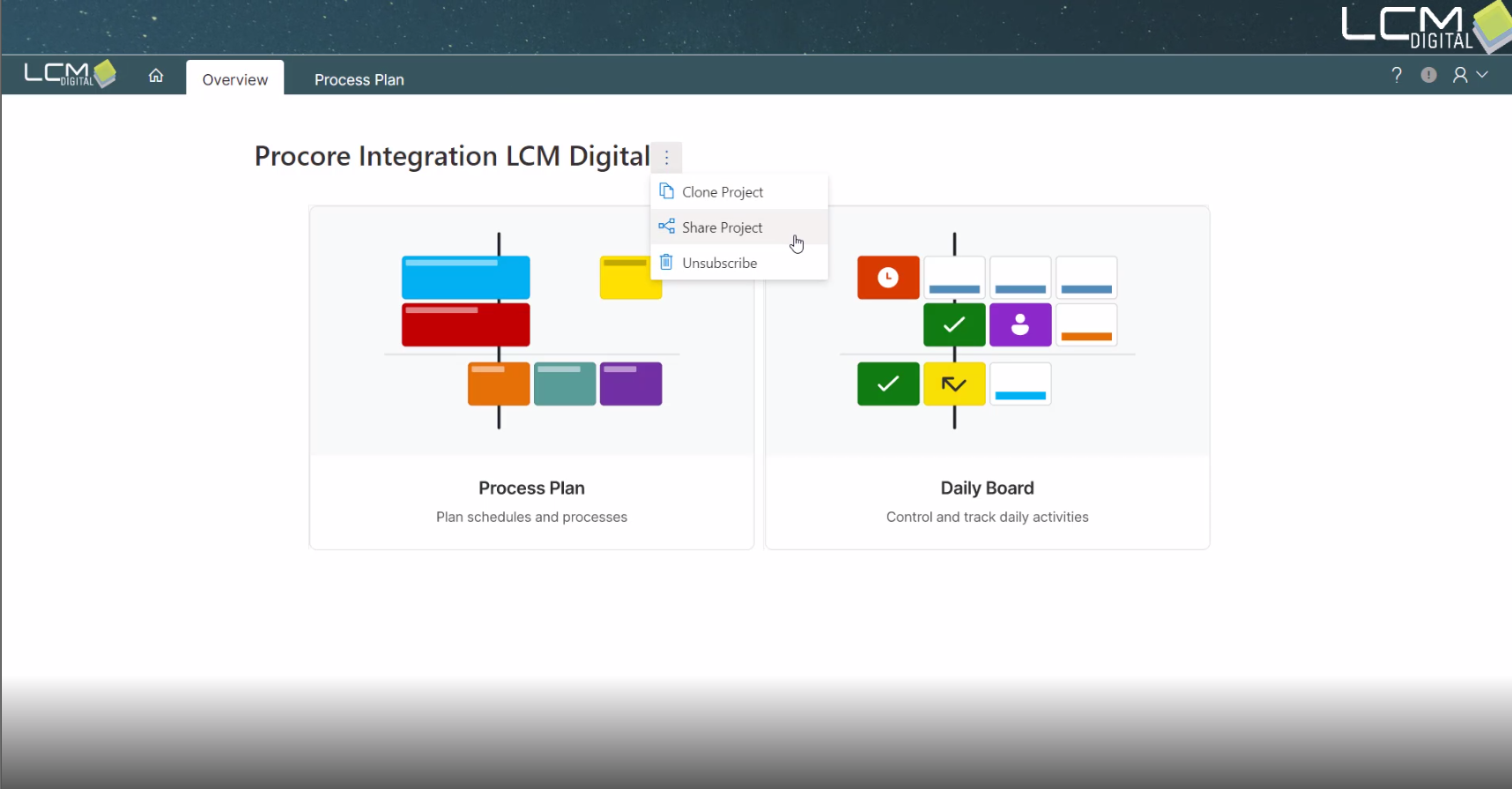
Share
Invite your collaborators to the project and give them full or limited access. By the way, LCM Digital is compatible with common scheduling tools, so you can import or export your planning.
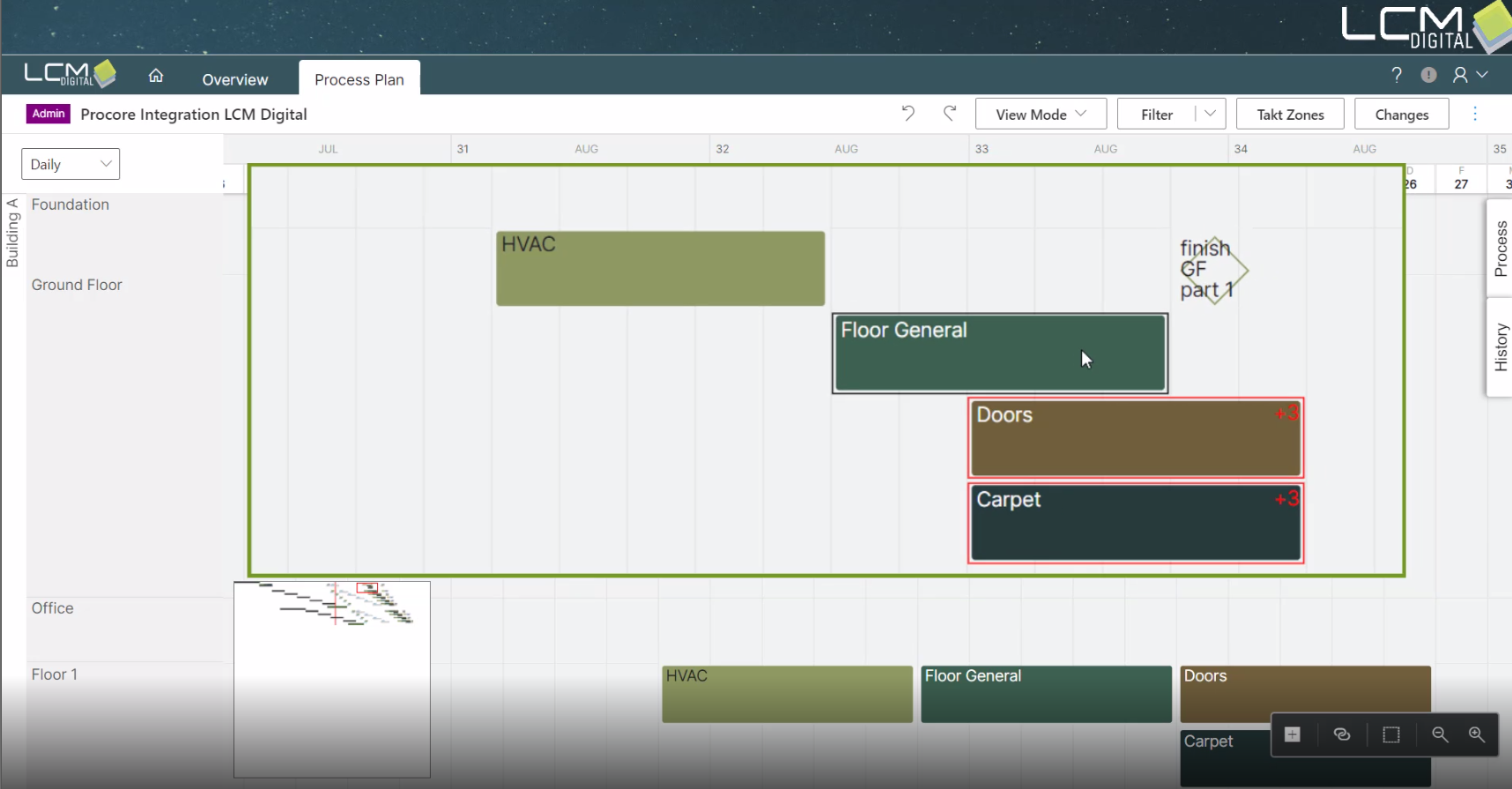
Plan
Adjust your schedule in collaborative workshops. Use inspection tools, such as the dependencies and milestones, to identify and resolve conflicts. In the progress mode, you can see instantly how far the scheduled tasks has been completed. Monitor all changes in the history.
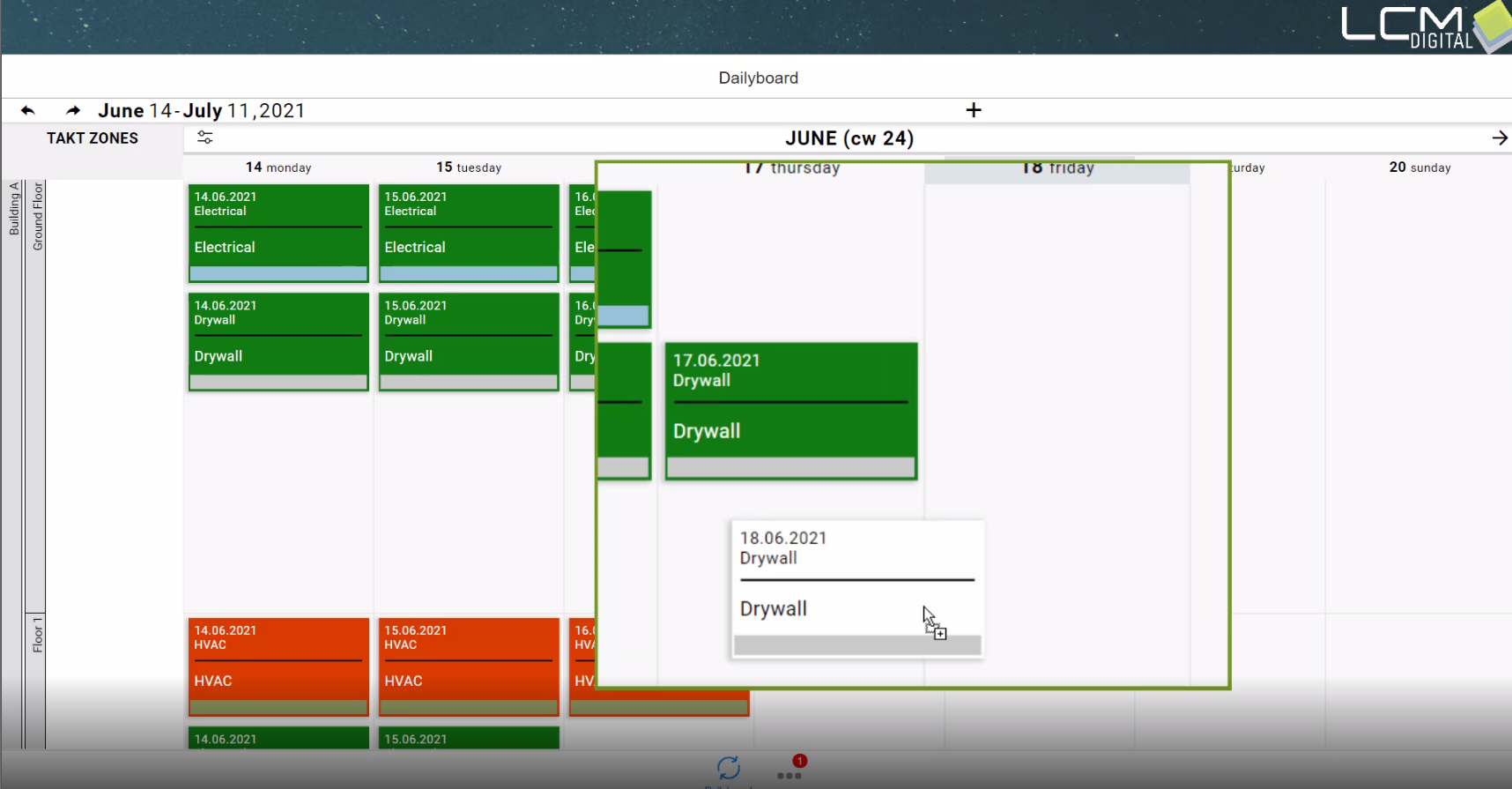
Execute
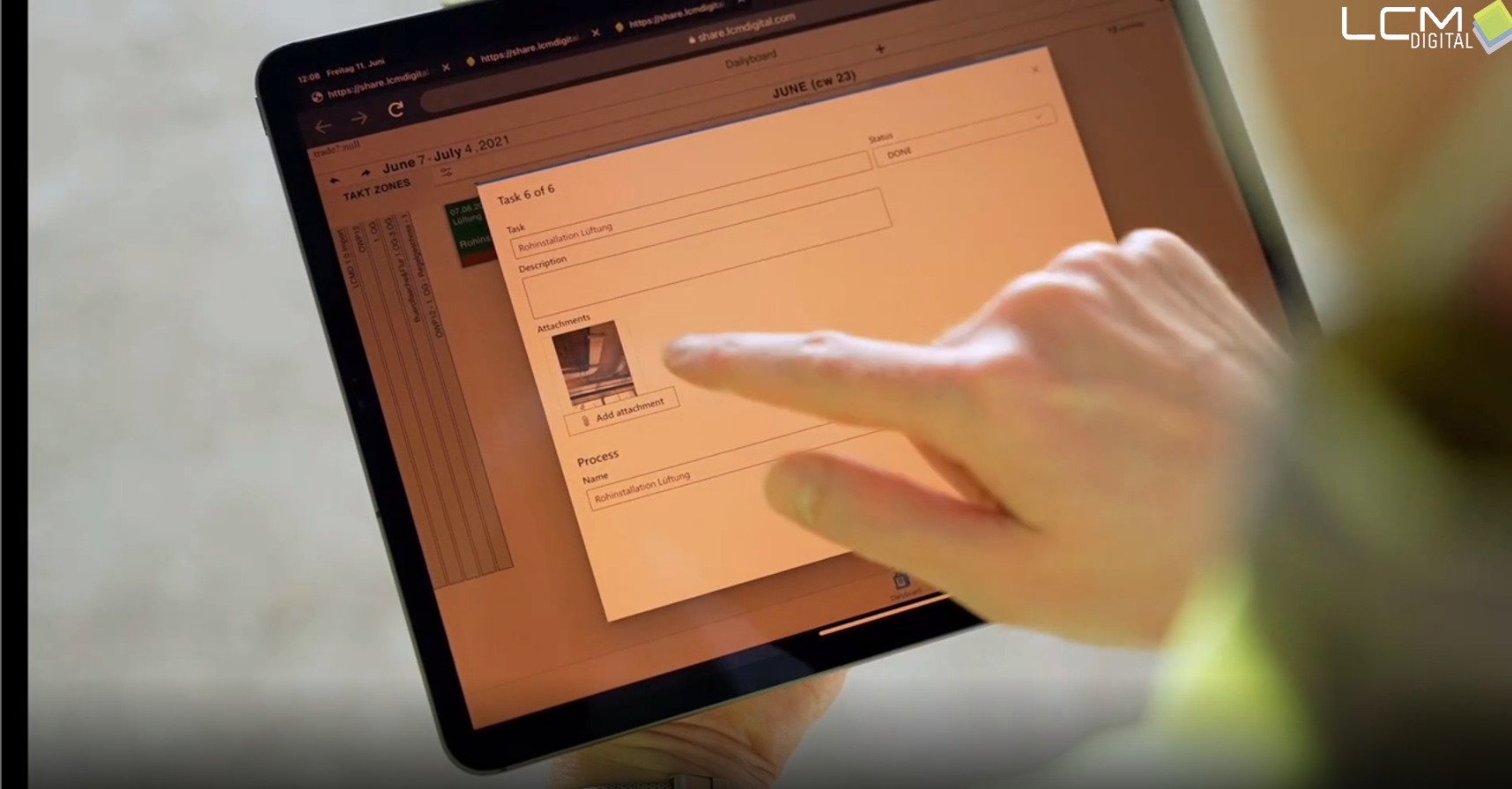
In the Daily Board you get the overview of the coming weeks and focus on the current activities of the next 7 days. Update the tasks with the team. On the job site, status is reported back with one click and checked by site managers. Photos, videos and important documents are quickly shared with the entire team. Planning adjustments can all be made on a transparent basis.
Report
You can monitor and adjust process flows at any time with real-time monitoring.
See in the dashboard how your project is currently running and where there is potential for improvement.
Procore Integration in LCM Digital
The integration of LCM Digital with Procore enables current planning to be based on collaborative project management.
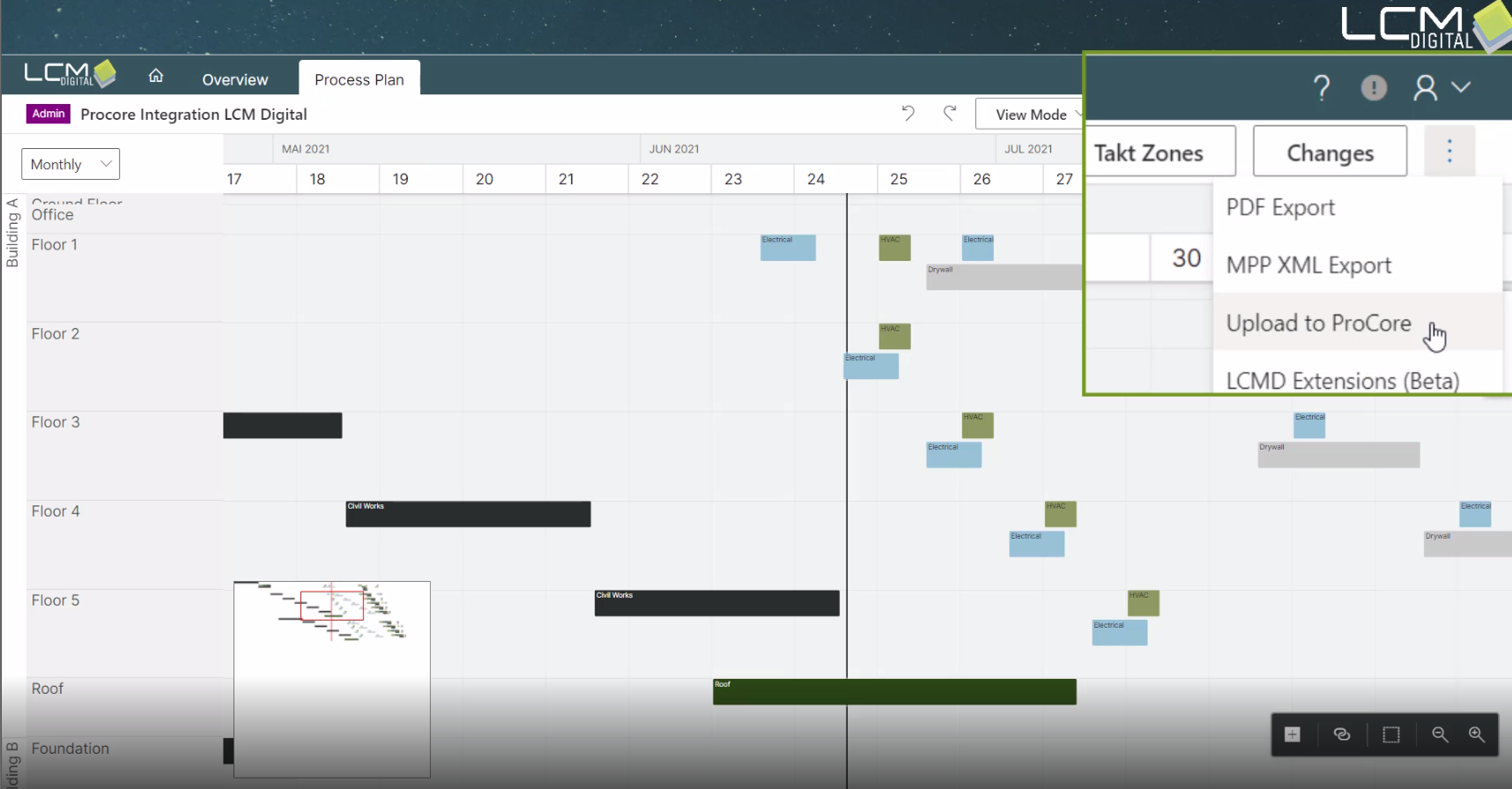
Take the chance now to work together more transparent and smarter. Lead your project to success!