When creating projects or importing data from MS Project, the project is initially given a name.
You can change the project name afterwards.
To change the project name:
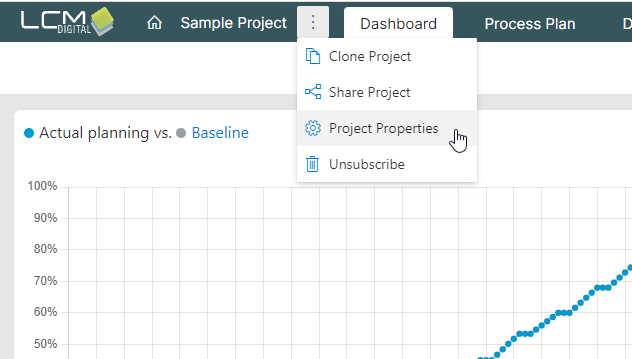
- Click on the three dots next to the project name.
- Select "Project properties"
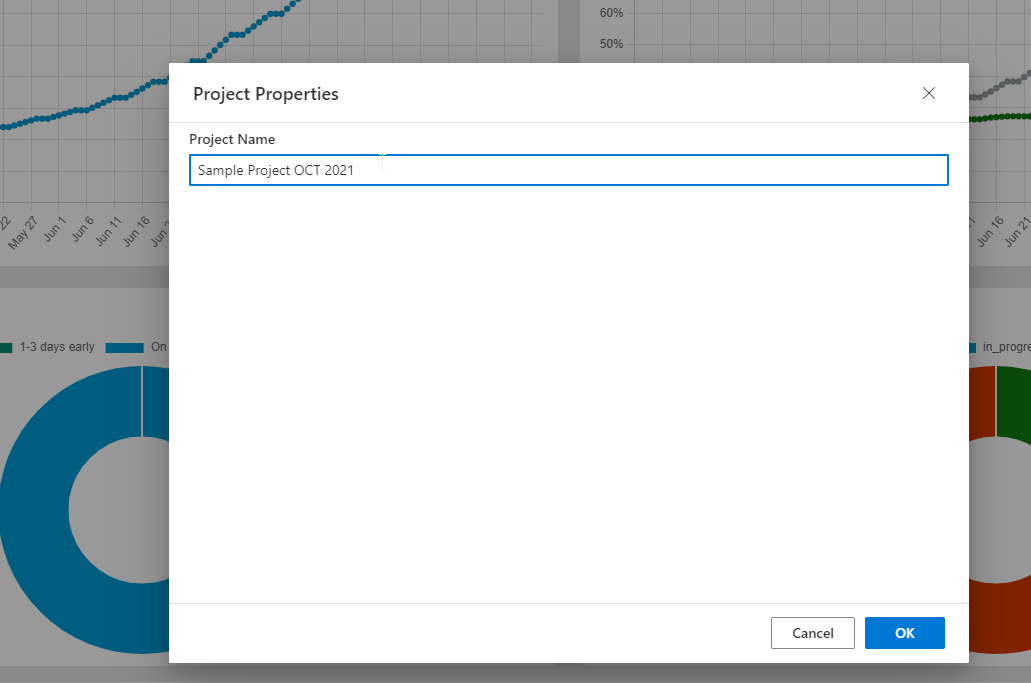
- Click in the "Project name" field to rename the project
- Confirm with "OK"