|
Video: In the video tutorials you can find a video about the Takt Analysis. |
You can export your Takt Analysis data to Excel for sharing and forwarding or for linking to external tools, e.g. for BIM application.

Export a Takt Analysis to Excel
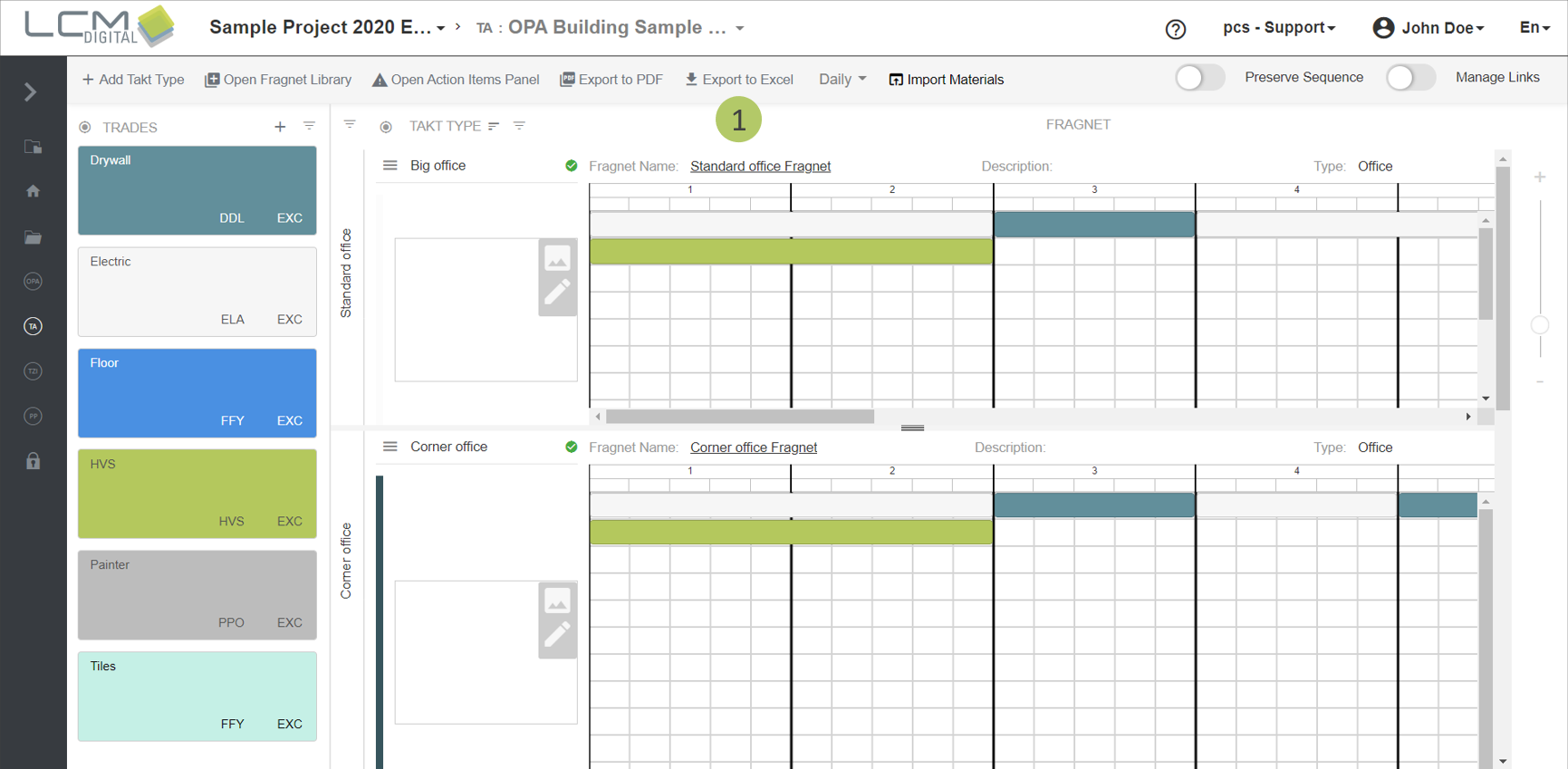
1. Click on „Export to Excel“.
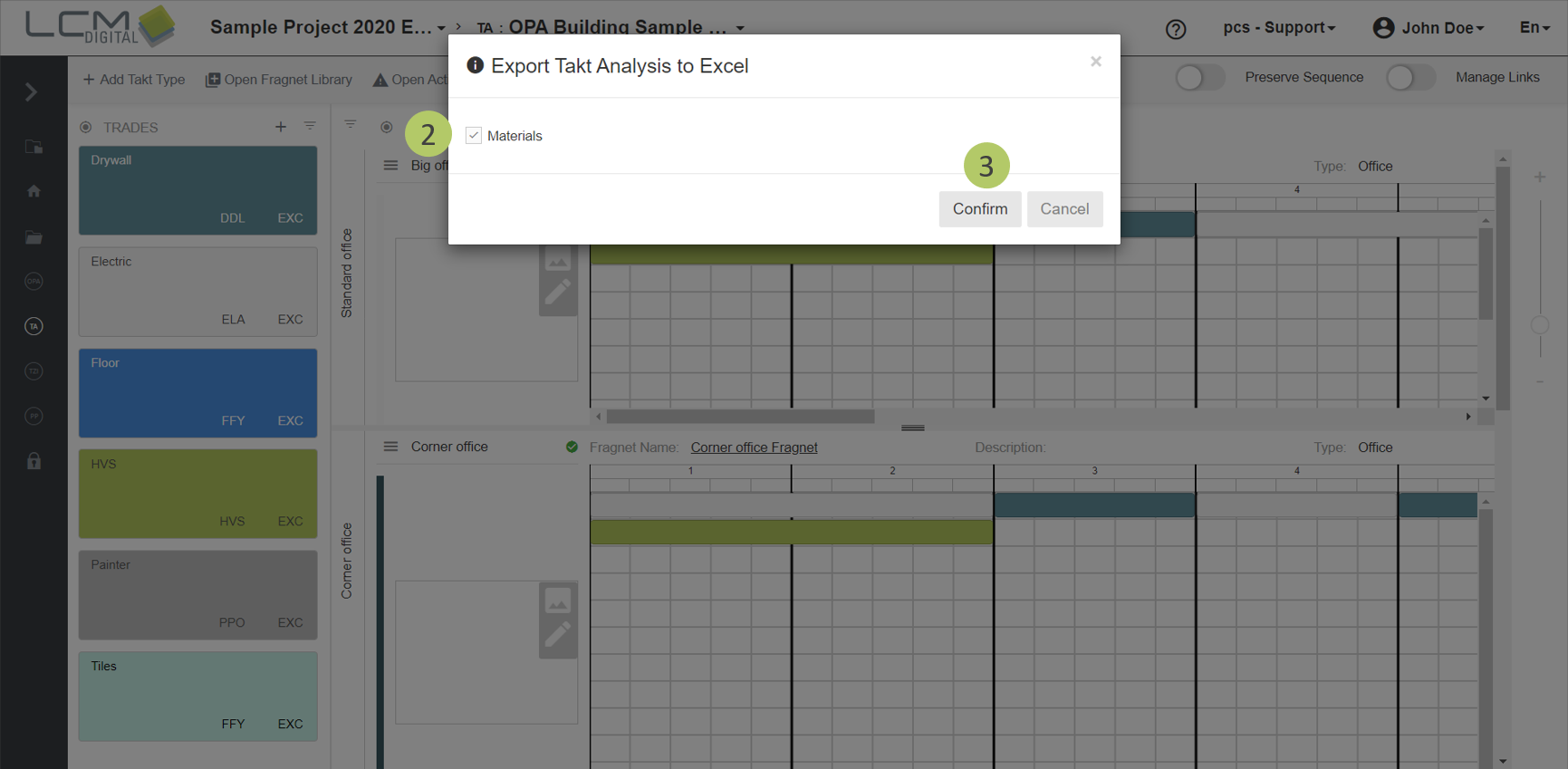
2. If you want to export the material information of the processes as well, check the checkbox for materials.
3. Click on „Confirm“.
You will be informed that your browser will download the file shortly. You will then find this file in the download folder. In addition, you will receive a mail with a link where you can download the file manually.