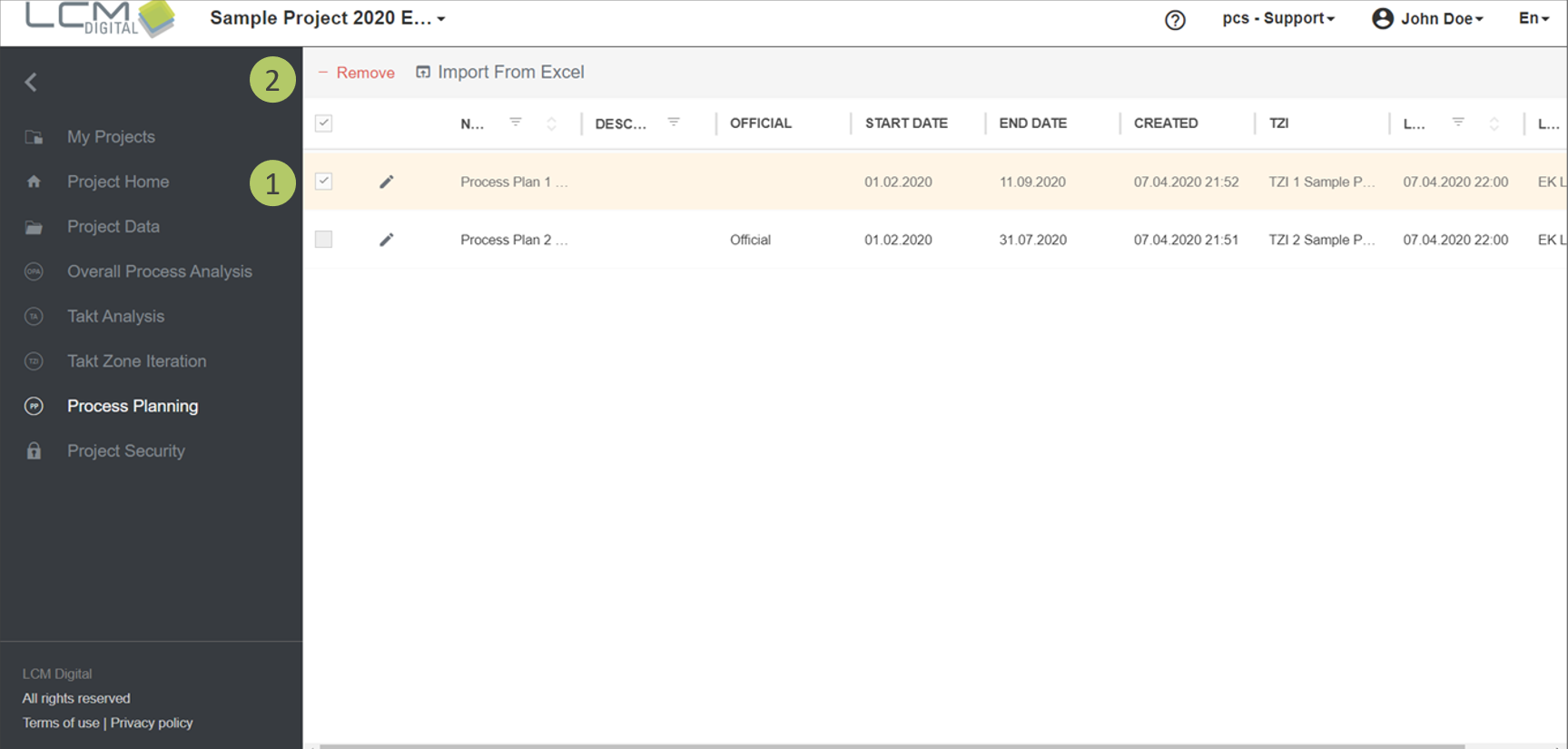
|
Video: In the video tutorials you can find a video about the Process Plan. |
If you are responsible for project management in your project, you often need to import and delete process plans or change existing information, such as the name or the "Official" tag.
See here how to import and export Process Plans.
Change Process Plan properties
1. Click on the edit symbol  next to the Process Plan.
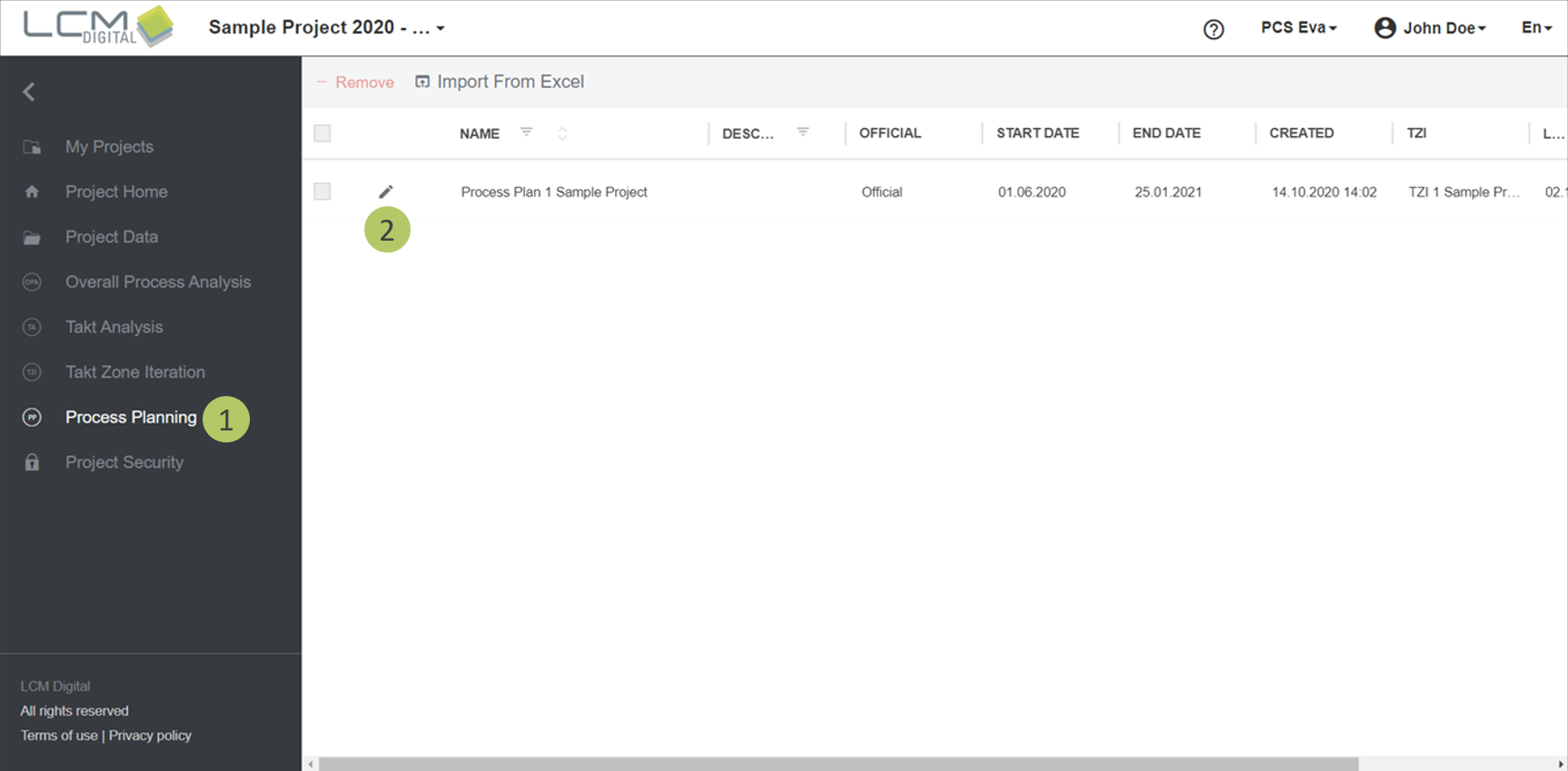
2. Edit the name of the Process Plan.
3. Edit the description of the Process Plan.
4. Select a Process Plan as official via the corresponding checkbox.
|
|
Note: Only one Process Plan can be selected as official and communicates with the mobile app and the project dashboard. |
5. Click on „Save“ oder „Save & Open“, to be redirected to the Process Plan.
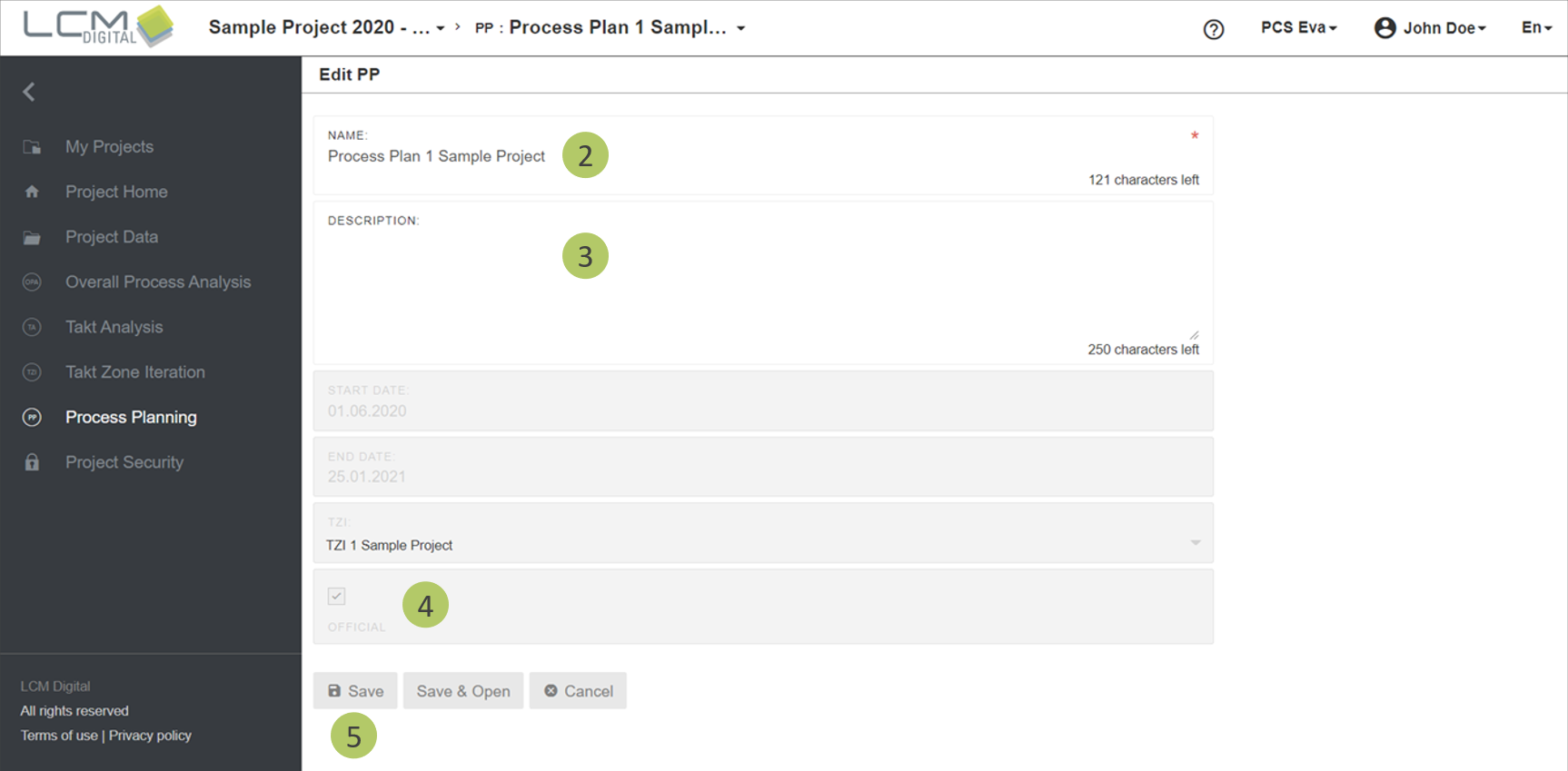
Remove Process Plan
1. Select the Process Plan that should be removed with the corresponding checkbox
2. Click on „Remove“.