|
Video: In the video tutorials you can find a video about über the Project Data. |
|
|
Visibility and editing of Project Data: |
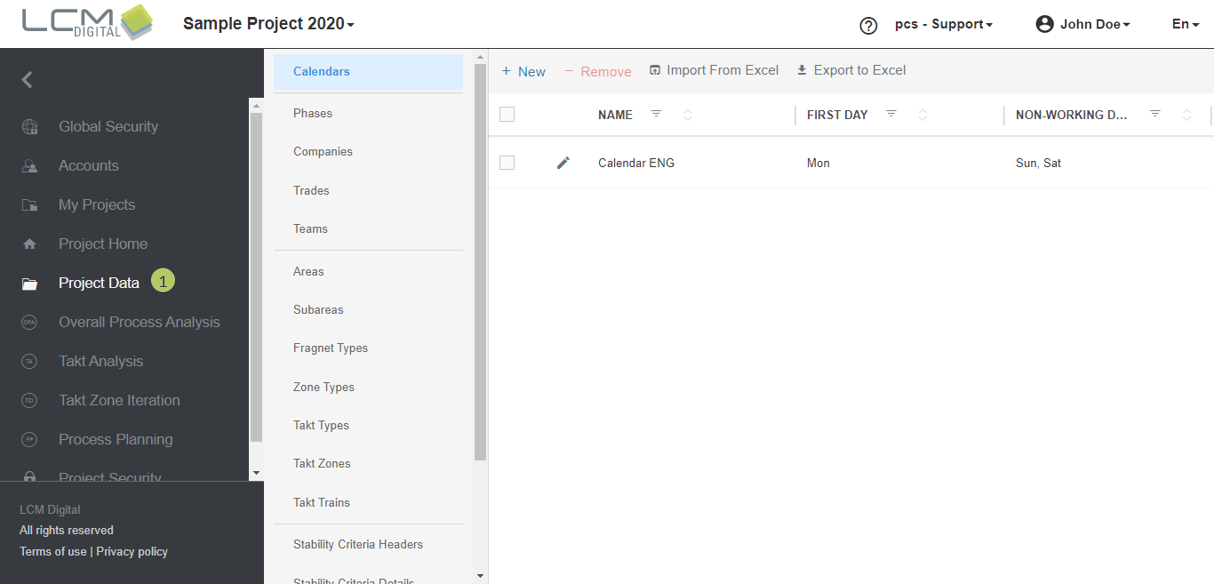
What is Project Data?
The Project Data is a group of libraries that contains different screens each pertaining different set of data in the project. In Project Data these sets of data can be created, edited and deleted.
The screens in Project Data are as follows:
- Calendar
- Phases
- Companies
- Trades
- Teams
- Areas
- Subareas
- Fragnet Types
- Zone Types
- Takt Types
- Takt Zones
- Takt Trains
- Stability Criteria Header
- Stability Criteria Details
- Materials
- Action Items
- Fragnets

Procedure to Access Project Data
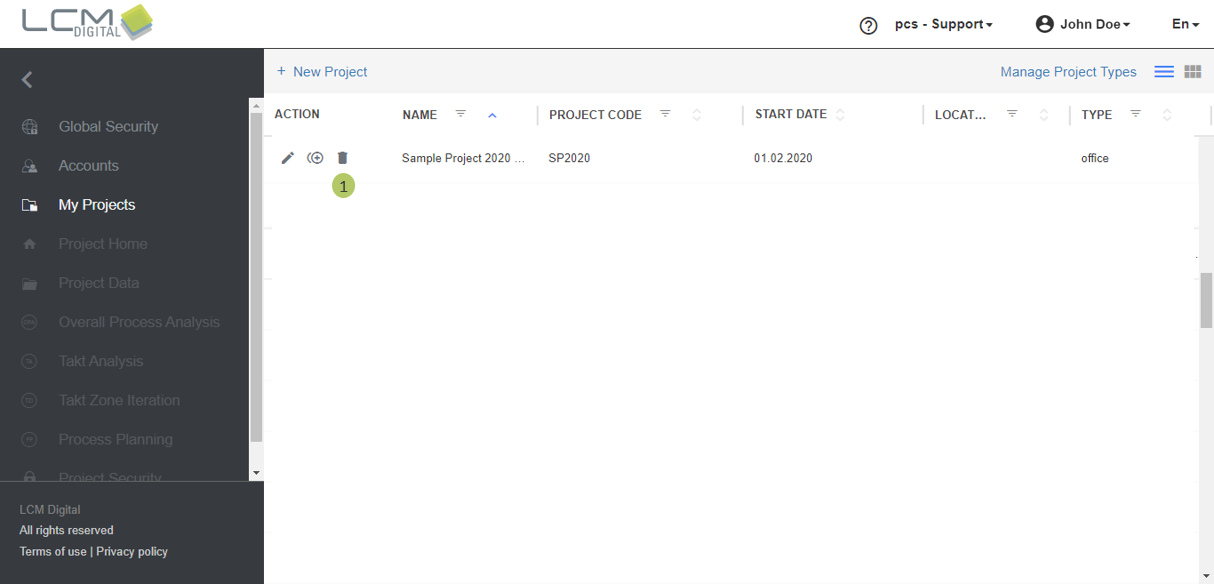
1. Click on the project.
2. Click on Project Data from the Main Menu.